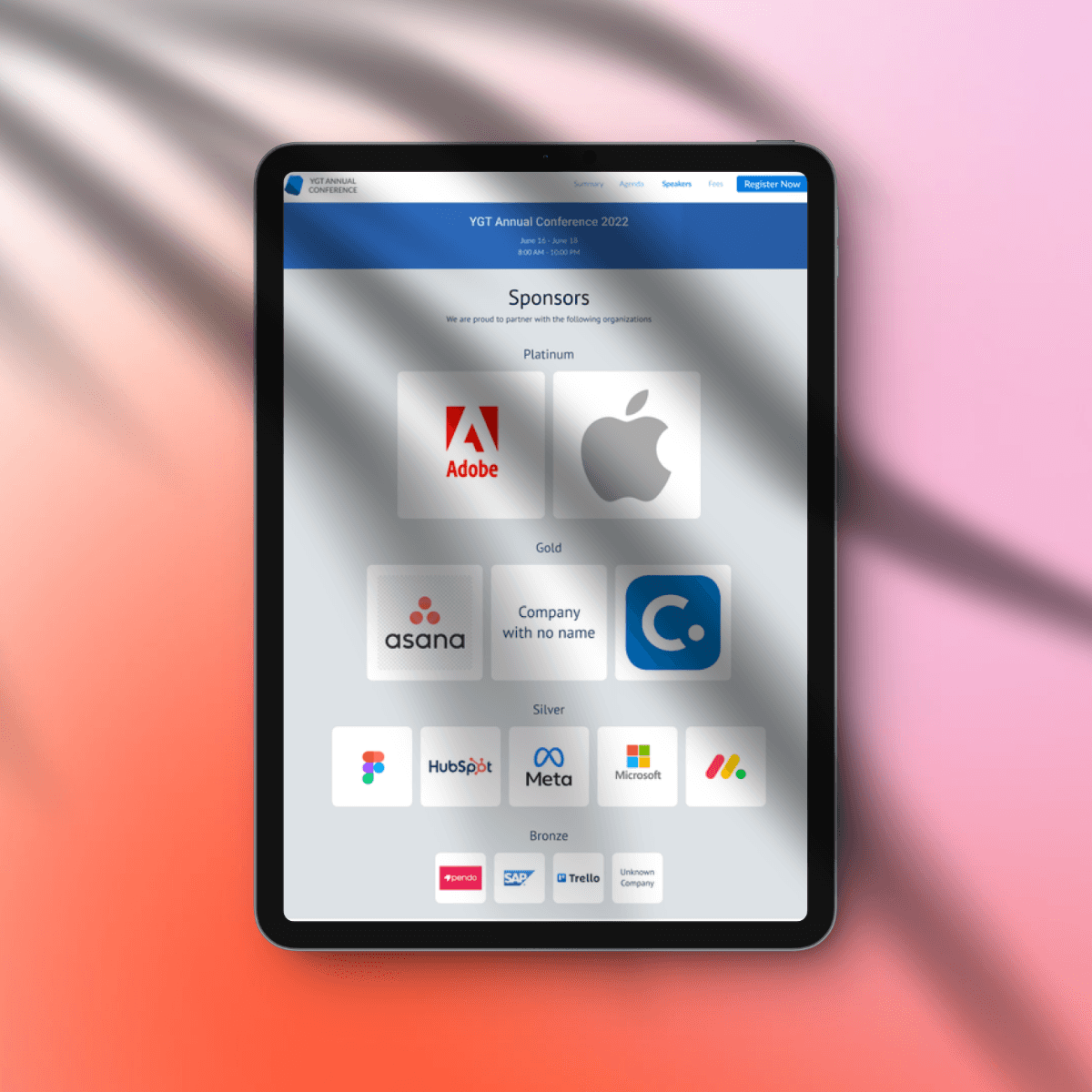
Sponsors Widget Design
Cvent
Background: Exhibitor and sponsor information currently exists in the system for each event but there’s no easy way for the planner to showcase the event’s sponsors on the event’s public website. The process is manual, where the planner has to access the sponsors' logos one by one and manually add them to the site via custom code.
Challenge: Designing great default settings that would meet the needs of most planners and their events, while not breaking branding guidelines.
Duration: 1 month
Team: Cross-product collaboration with PMs and designers from exhibitor management
Tools: Figma, Excel
Released: Q1 2025. Release notes
Problem Space
To provide value to their sponsors, planners currently add sponsors to their event’s website one by one, manually re-saving image resources and defining the sponsorship levels again, then resizing the logos, and arranging them on the page. There is a lot of room for error either by missing to add a sponsor's logo or adding them to the incorrect sponsorship level. How might we leverage the existing resources in Exhibitor Management to streamline the addition of sponsors to the event’s website?
Value for Planners
The ability to easily feature sponsors on the event’s website will increase planner's efficiency, event credibility, and the value of their sponsorship offerings.
Dependencies
Content for each sponsor is managed and organized in Exhibitor Management by a planner or the sponsor.
Data we can use:
Sponsor logo, name, website
Sponsorship levels and order
Some events have levels that are different but equal (e.g. partners & sponsors)
Leveraging Data
We had a tight deadline, plenty of existing events, and event websites showcasing sponsors. We utilized data to inform decisions about how the sponsor widget will show for the happy path, as well as edge cases such as:
Missing sponsor logos
Very few and too many sponsorship levels
Unassigned sponsorship levels

Number of Sponsors
I put the data into Excel and determined key indicators such the average and mean number of sponsors, as well as the 90% and 80% use cases. This gave me a good idea how much content will be displayed with this widget and its structure.
Sponsorship Levels
Similarly, I determined the range of sponsorship levels and based on hundreds of events to ensure enough variety in sizing options for the MVP.
Outocmes
Planner Controls
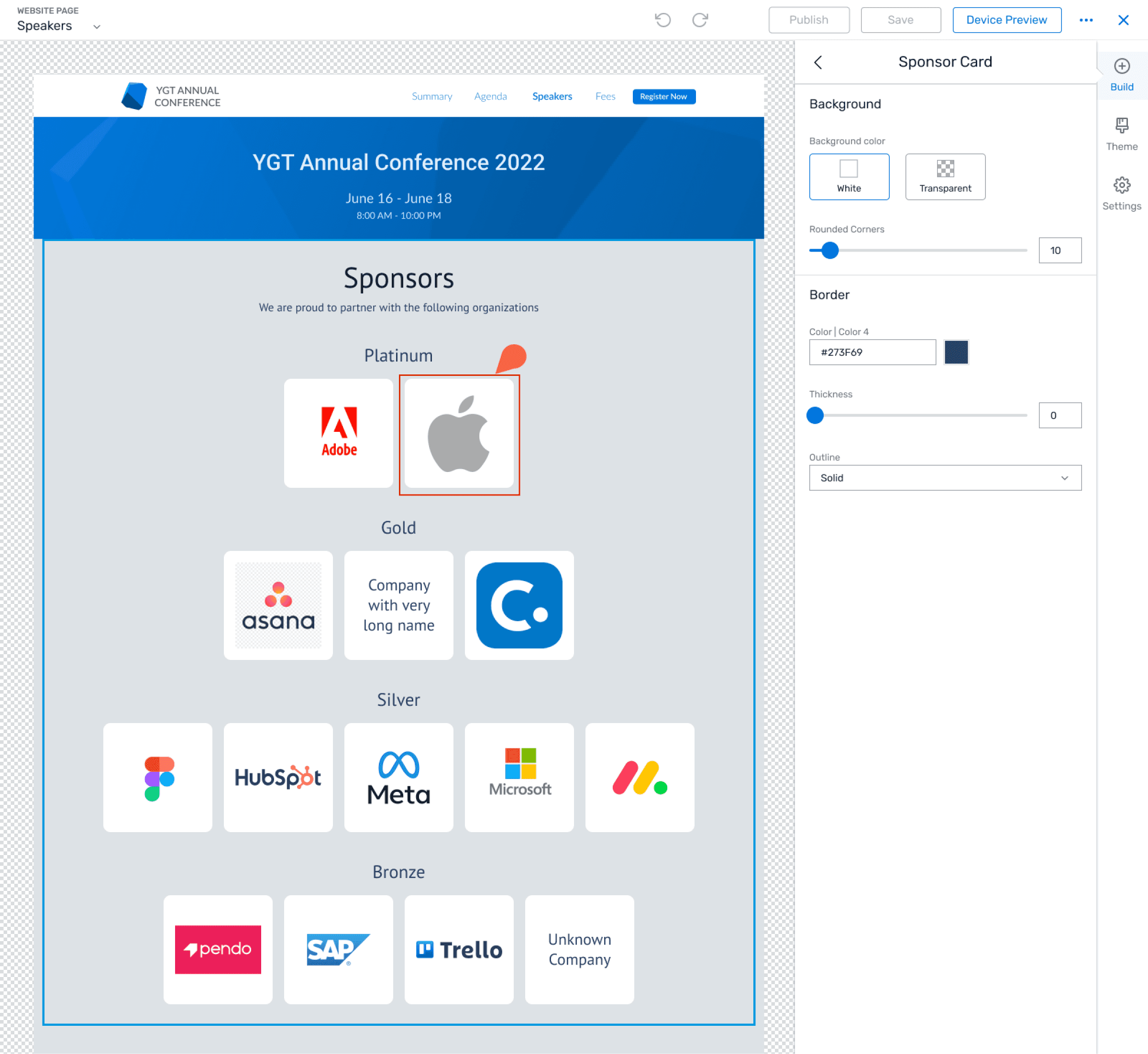
The sponsors' logos needed to look good in multiple sizes, and their names needed to be resizable within meaningful constraints. For the MVP, I balanced planner control with paired-down, fast-to-develop features.
2 options for sponsor logo background - white and transparent to conform to multiple branding requirements.
Ability to select from 4 pre-defined logo sizes, with the option for the same size at all levels
Responsive widget to ensure a great look on all breakpoints
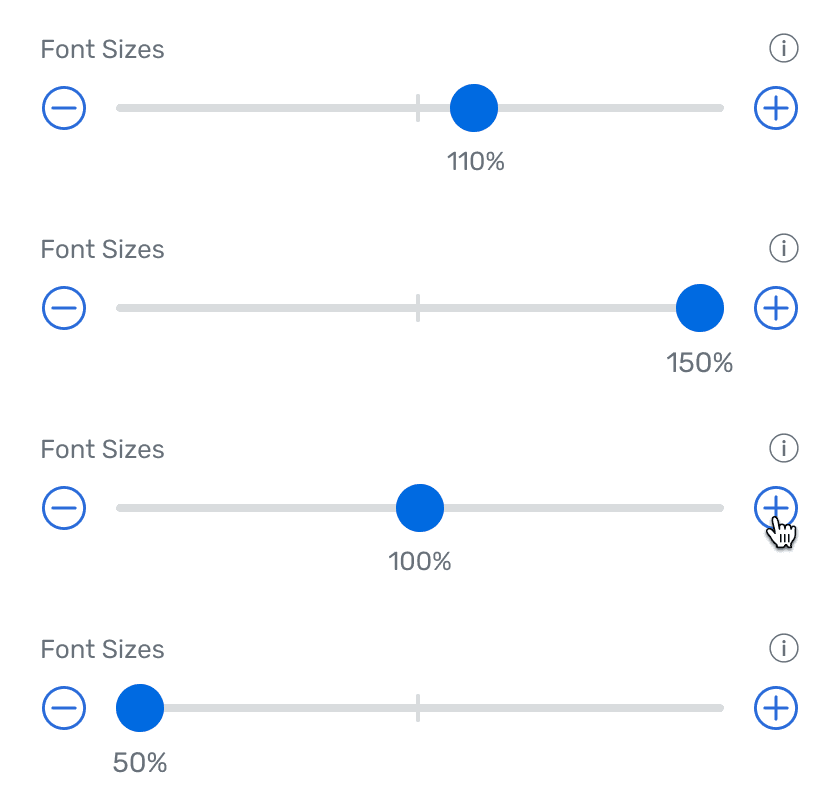
New Slider Pattern
Next Steps
There were a few potential opportunities to explore beyond the MVP, such as allowing greater customization for sizes and layouts. The plan was to collect feedback from users and prioritize which ones to pursue.